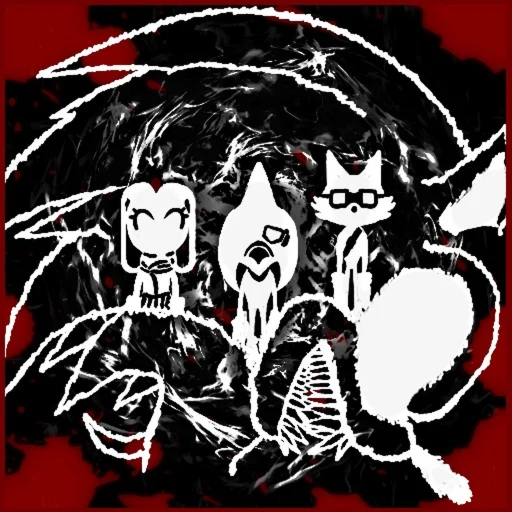
The checked community invite
The checked Abyssal Escape Discord invite is discord.gg/abyssalescape. On October 18, 2026, the Abyssal Escape Discord public invite lookup resolved to [RELEASED] Abyssal Escape, whose description matches the customizable-Survivor horror game. Open that link directly; this wiki does not require a login or intermediate reward page.
The same invite appears in the description of the release-announcement upload. That cross-reference helps distinguish it from a server that merely shares part of the game's name. We did not join the server, read private channels or verify individual administrator identities.
Check the destination before joining
- Open the Discord invite linked above and compare the server name with this dated check.
- Match the topic: this is the Roblox EXE horror game where players make their own Survivor, not an unrelated Abyssal experience.
- Continue on Discord only when you are satisfied with the destination. Any sign-in or joining requirement belongs to Discord, not to this wiki.
| Public identity field | Value returned by the invite lookup |
|---|---|
| Invite code | abyssalescape |
| Server name | [RELEASED] Abyssal Escape |
| Server ID | 1289712089652400231 |
| Description topic | Create a Survivor and escape the killer in a Roblox EXE game |
The server ID is useful when comparing public metadata; it is not a redemption code or something to paste into a password field. A server can change its display name, so a name match alone is weaker than the matching invite, topic and announcement reference together.
Use the exact Roblox experience
| Resource | Exact destination |
|---|---|
| Roblox game | Abyssal Escape, place 133239297020492 |
| Creator group | Abyssal Escape, group 35012285 |
| Community invite | discord.gg/abyssalescape |
| Associated channel | @AbyssalEscape |
The game is an asymmetrical horror-survival experience whose official description discusses custom Survivors, abilities and red mist. That identity is more useful than matching the word Abyssal alone. The unrelated Abyss fishing game and an Abyssal obby should not supply this game's codes or mechanics.
What the invite check proves
A successful public invite lookup establishes that the code resolved to the recorded server identity at the time of checking. It does not guarantee that the invite will never expire, that every channel is public or that any third-party message is trustworthy.
If the link stops working, recheck the exact game and associated announcement sources rather than substituting an unverified look-alike. A change in server name also needs context; the name recorded here is a dated observation, not a permanent naming promise.
| What you encounter | Sensible next check | Do not infer |
|---|---|---|
| An expired or invalid invite notice | Revisit the exact game and associated announcement for a replacement | A similar server name proves the new link is genuine |
| A sign-in or join restriction | Read the notice on Discord itself | The game has been cancelled or a third party can bypass it |
| A reward page asking for Roblox credentials | Do not enter them; return to the original platform links | A familiar game logo makes the page trustworthy |
The successful check is a point-in-time result. The response contained no expiry timestamp, but that is not a promise that the invite can never be revoked. No member count, online count or server boost level is used here as proof of official ownership or moderation quality.
Accounts and unofficial offers
Joining Discord is a separate action on Discord, subject to its own sign-in and eligibility requirements. This wiki has no login form, server membership integration, giveaway redemption or game account linking.
Do not enter a Roblox password, session cookie or two-factor code into a page just because it claims to provide Abyssal Escape rewards. This page does not verify reward schemes or endorse server messages, and no working redemption-code list has been established by this site's current research.
Community questions
Was the Abyssal Escape Discord server audited?
No. The check covered public invite metadata, not private conversation or moderation quality.
Is this wiki run by the developers?
No. This is an independent fan guide, not a developer or Roblox support service.
Is the linked YouTube channel platform-verified here?
No. Branding and matching announcement links support association; ownership was not independently verified through a Roblox-to-channel link.
Where should a new player begin?
Use the beginner guide for the official objective, then open the exact Roblox experience linked above.